
The short answer
A quieter phone is useful only if the calls your parent needs can still get through. Start with caller identification, then consider stronger filtering after listing legitimate unsaved callers and testing the result. A spam label is a warning, not proof, and a familiar caller ID is not proof of identity.
In this guide 8 sections
What to keep in mind
- 1List family, care, delivery and other important numbers before changing call settings; some legitimate callers use new or private numbers.
- 2Identify suspected spam first. Silencing all unknown callers is a much broader choice.
- 3Apple, Google Phone and Samsung Galaxy expose different controls; some depend on model, region, carrier or software.
- 4Make a test call from an unsaved number, check voicemail and call history, and agree when to reverse a setting.
01
Decide which calls must still reach the phone#
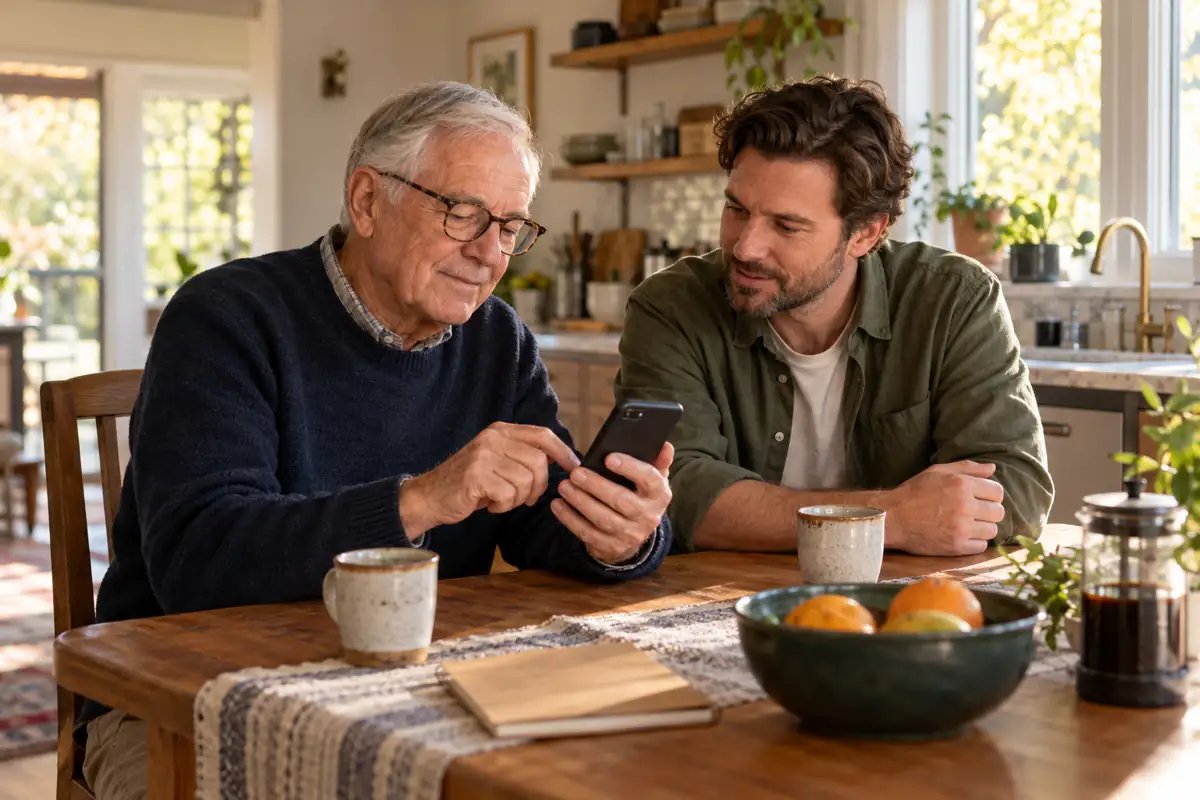
Ask your parent which unwanted calls are the real problem: repeated robocalls, an abusive number, or every unfamiliar ring. Then write a short must-reach list together. Include family, neighbours, the clinic, transport, building staff and anyone who may call from a different number. Add known numbers to Contacts with your parent, but do not assume every important call will use one.
Choose a tolerable missed-call plan before turning anything on: who checks voicemail, how often, and what to do if a call from a clinic is expected today. If a missed call could have a serious consequence, begin with labeling rather than automatically silencing unknown numbers.
02
Separate identification from blocking#
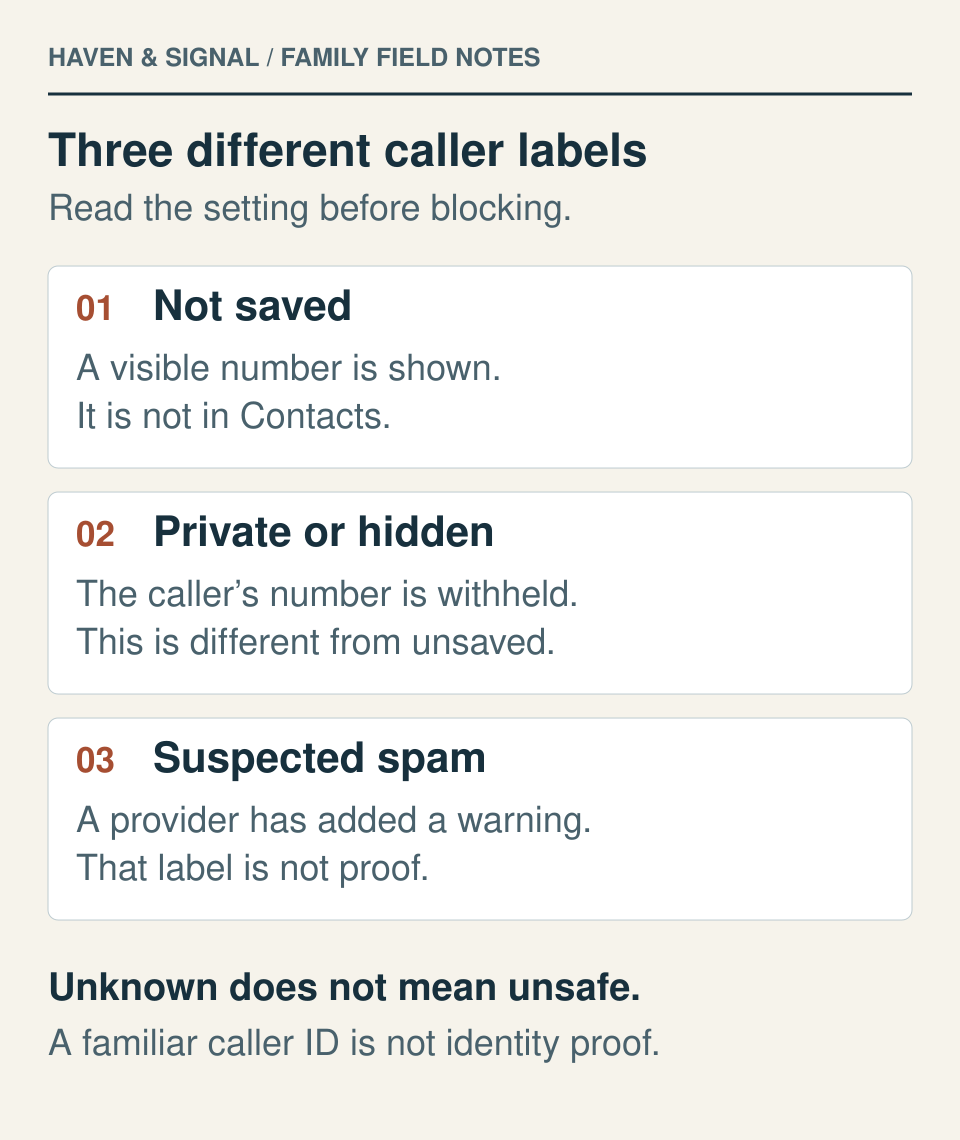
Caller ID and spam warnings can help a person decide whether to answer. A setting that filters or blocks calls changes whether the phone rings and whether a missed-call notification appears. Those are different levels of intervention. A number that is not in Contacts is not necessarily spam.
The US Federal Trade Commission warns that caller ID can be spoofed. A familiar name or local number should not settle an unexpected request for money, a password or a verification code. Hang up and call the organization using a number from its real app, card or website.
03
On iPhone, choose the narrowest useful setting#
On current iPhone software, open Settings, Apps, Phone and find Screen Unknown Callers. Apple describes three choices: Never lets unsaved numbers ring normally; Ask Reason for Calling screens them before the phone rings; Silence sends them to voicemail. Apple also lists Call Filtering controls for unknown and spam calls. Names and availability can differ on older software or by region.
For a parent who expects legitimate new callers, consider whether Never plus a spam warning is a better first trial than Silence. If Ask Reason for Calling is available, explain what a real caller will hear and test it together. Check the Phone app's Unknown Callers and Spam lists as well as voicemail after a trial. If an important call disappears, return to Settings, Apps, Phone and choose Never or disable the relevant filter.
If the option is missing or screening changes
Check Apple’s current Call Screening language and region list before assuming the phone is faulty. Use a setting the parent can understand on their own phone; this guide does not recommend changing country settings to force a feature.
Apple says phone calls are not screened while the iPhone is roaming. Calling emergency services also turns call screening off for 24 hours. These are screening limits, not proof that every other filter is off. Never call an emergency service to test a setting. If the parent is travelling or needs to receive an expected callback, review the plan and test with an ordinary consenting caller.
04
On phones using the Google Phone app#
Open Phone, then More options, Settings, Caller ID and spam. Google says See caller ID & spam displays identifying information and warnings. The optional Filter spam calls setting suppresses missed-call and voicemail notifications for filtered calls, while those calls remain in call history and voicemail. That makes a deliberate review routine important.
If a known caller is marked as spam, open the recent call and use Not spam or Unblock as appropriate. Some Pixel phones show automatic Call Screen instead of the Filter spam calls option, and its availability varies. Google's caller ID feature may send unknown phone numbers to Google to classify them; review this privacy tradeoff with your parent before enabling it.
05
On Samsung Galaxy, check the blocking level#
In Samsung Phone, open More options, Settings, Caller ID and spam protection. Samsung Smart Call may be unavailable with some carriers or models. If present, it can show caller information and offers a choice between blocking only high-risk scam calls and blocking all calls identified as spam or scams. Review the provider terms and the setting with your parent.
Read the exact switch name and the support instructions for that phone. Samsung’s US guide describes Block calls from unknown numbers as covering numbers not saved in Contacts or identified by Smart Call. Samsung’s Gulf guide uses a different label, Block unknown/private numbers, for hidden caller IDs. Those descriptions should not be treated as one universal Galaxy rule.
A visible number that is not saved, a hidden or private caller ID, and a spam warning are different things. An expected professional caller may use an unfamiliar or withheld number. Check which category the chosen switch affects, then test it together. If a number was blocked by mistake, Phone, Settings, Block numbers lets you remove it. Labels and availability vary by model, software and carrier.
06
Run a two-call test before relying on the filter#
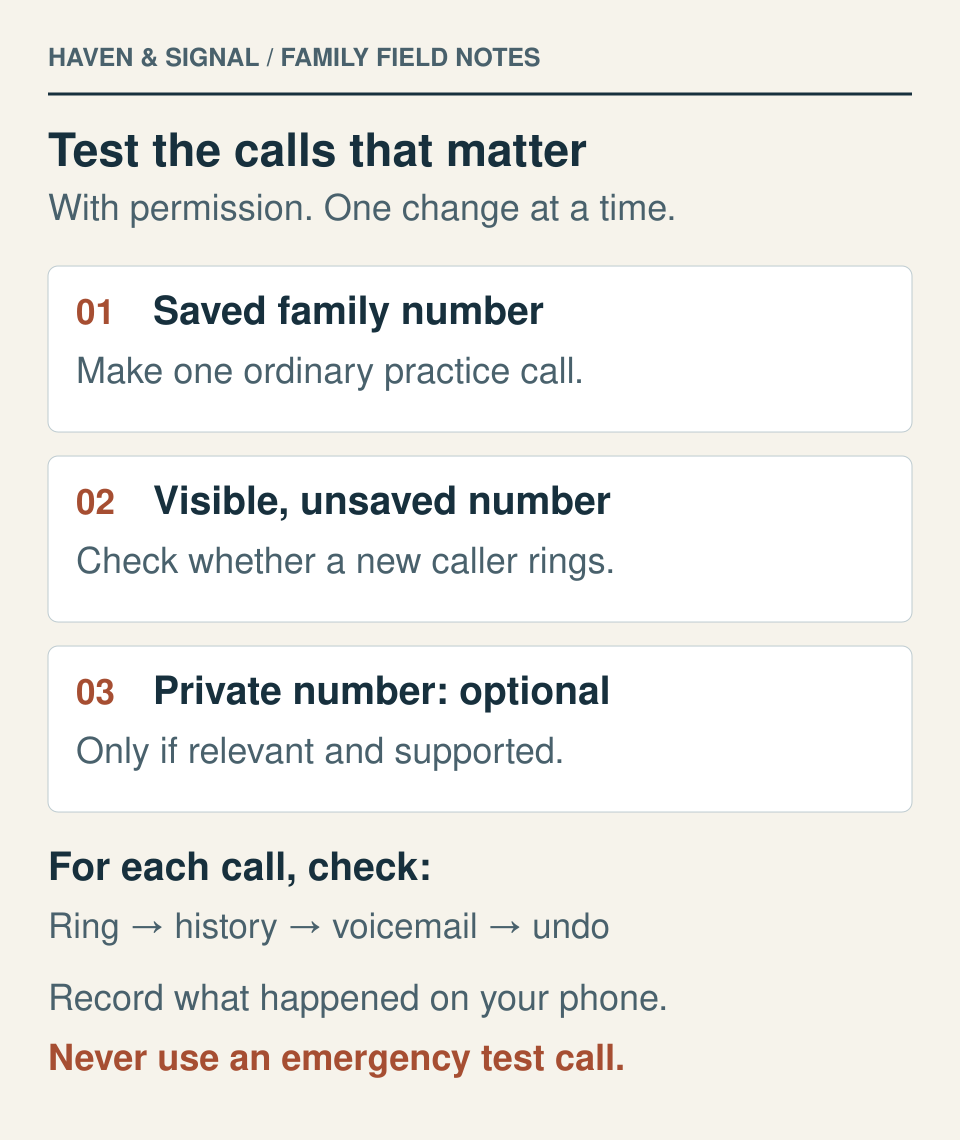
With consent, call the parent from a saved family number and then from an unsaved number. Observe whether the phone rings, what appears on screen, whether voicemail is available and where the missed call lands. Record the setting used and the result in ordinary language. Do not invent an emergency or use a live medical call as a test.
Ask your parent whether checking a filtered-call list feels manageable. If it does not, choose a less restrictive setting. Revisit the test after a phone update or a change in carrier, especially before a day when the parent expects a new professional caller.
Add a private-number check only when relevant
The saved-number and unsaved-number calls above are the basic test. If a legitimate caller may withhold their number and the selected setting mentions private or hidden calls, ask a consenting helper to make one ordinary call with caller ID withheld, where their phone and carrier support it. Use the helper’s own documented setting; there is no universal carrier code in this guide. Skip this extra test if withholding caller ID is unavailable, and do not use an emergency or live medical call.
Write the exact phone app and setting before the test. For each call, record whether it rang, what appeared in call history, whether a message could be left and found, and which setting you would undo. Restore the helper’s normal caller-ID preference afterward. If an expected type of call does not reach the parent, reverse the relevant filter and repeat the ordinary test before relying on it.
| Test call | Did it ring? | History / voicemail | Keep or undo? |
|---|---|---|---|
| Saved family number | Record result | Record where it appeared | Record choice |
| Visible, unsaved number | Record result | Record where it appeared | Record choice |
| Withheld number, if relevant | Record result or not tested | Record where it appeared | Record choice |
This is a practice worksheet, not a claim that these calls have been tested on your device.
07
If an important call was missed#
Look in recent calls, filtered or spam lists, and voicemail. Check whether the caller was blocked, labeled as spam, screened, or simply sent to voicemail for another reason. Remove an erroneous block, mark the call Not spam if that option appears, or return the screening setting to a less restrictive choice.
Verify a purported clinic or bank callback using a number already known to the family or published by that organization. A missed-call screen is useful evidence of when a call arrived, but caller ID is not identity verification. If repeated important calls still fail, use the separate phone-not-ringing troubleshooting guide and contact the carrier or device maker through official support.
08
Keep one simple family rule#
Agree on a rule the parent can remember: 'Unknown is not automatically unsafe; urgent demands are not automatically real.' Let legitimate callers leave a message when appropriate, and return the call through a verified number when something matters. This routine should lower noise without making the parent dependent on a family member to approve every conversation.
Review the result after a few ordinary days. If fewer spam rings come at the cost of missed important calls or more confusion, undo the change. The right setting is the one your parent can understand, use and reverse.
Make the contact plan explicit
Know who to call when a ring is missed
Record the preferred contact route, a backup and the next step when a call does not get through.
Build a family communication planSources and further reading
We favor primary public-health guidance and official product documentation. Section links identify context for documented facts, not validation of our own family-planning steps, schedules or examples. Sources do not imply endorsement of Haven & Signal.
Apple: Manage unknown callers on iPhoneScreening choices, roaming and 24-hour post-emergency-call limitations, and filtered-call lists. Checked October 17, 2026.↗Google Phone: Caller ID and spam protectionCaller ID and spam controls, notification behavior, correction of false labels and privacy considerations. Rechecked October 17, 2026.↗Samsung: Block spam calls with Smart CallUS support wording for unknown-number blocking, Smart Call levels and model/carrier limits. Checked October 17, 2026.↗FTC: Do not trust caller IDCaller ID spoofing and independently verifying a callback number. Checked September 23, 2026.↗Apple: Calls going straight to voicemailOther iPhone causes of missed calls and steps to review. Checked September 23, 2026.↗Apple: Call Screening feature availabilityCurrent language and region list for Phone Call Screening. Checked October 17, 2026.↗Samsung Gulf: Block incoming callsRegional guidance distinguishing the Block unknown/private numbers control for hidden caller IDs. Checked October 17, 2026.↗About this guide
Sources, scope and updates.
- Research
- Haven & Signal Research Desk
- Sources checked
- September 23, 2026
- First published
- September 23, 2026
- Materially updated
- October 17, 2026
This guide draws on the linked sources and practical editorial guidance. It does not report hands-on product testing, independent fact-checking, and an expert assessment. Check current instructions with the relevant provider before acting.
This guide contains no affiliate links or paid placements.